Artwork Files: What You Need for Branding Orders
A simple guide to preparing and submitting artwork files for promotional product and banner branding orders.
Apeiro Media · 29 August 2026 · 4 min read
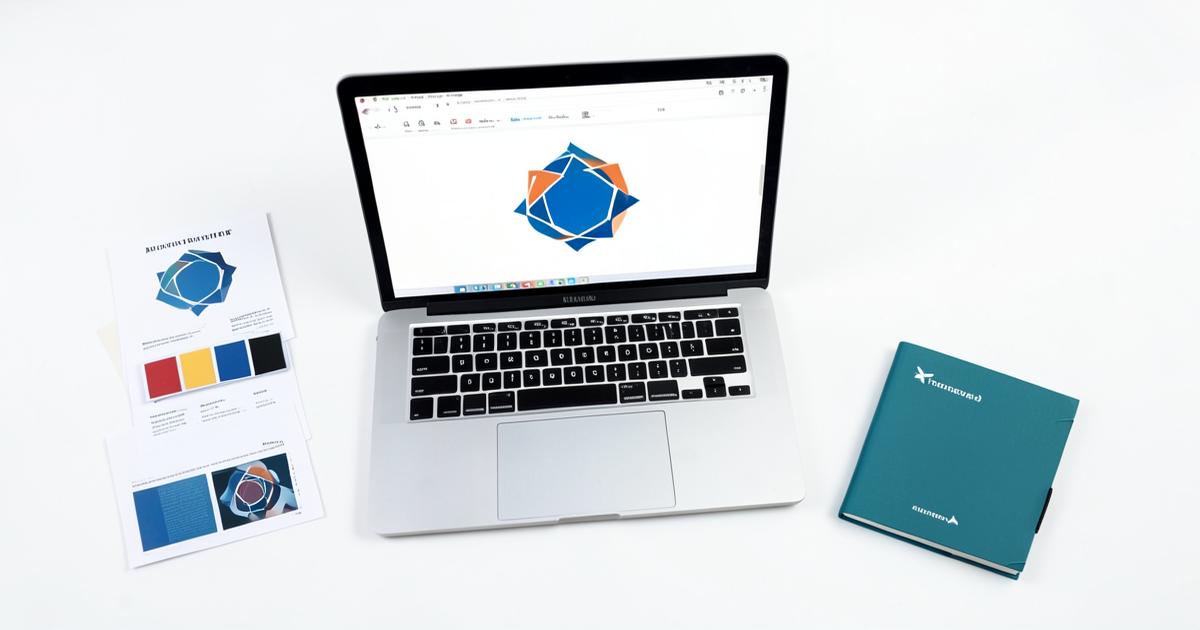
One of the most common delays in getting a branding order out the door is artwork. Getting the right file format to us upfront saves time and avoids back-and-forth once your order is already underway.
Why file format matters
Logos and designs come in many formats, but not all of them print well. A logo pulled from a website or a WhatsApp-compressed image often looks fine on a screen but becomes blurry or pixelated once enlarged for printing on a banner, mug, or pen barrel. The larger the item, the more this matters - a small logo issue on a pen barrel might be barely noticeable, but the same low-resolution file stretched across a 3m banner will look noticeably poor.
Preferred file types
For the cleanest results, we recommend:
- Vector files - AI, EPS or PDF formats. These can be scaled to any size without losing quality, which makes them ideal for banners, signage and large-format branding.
- High-resolution PNG - if a vector file is not available, a PNG with a transparent background and high resolution is the next best option, particularly for smaller items like pens, mugs and lanyards.
Formats to avoid where possible: low-resolution JPEGs, screenshots, and images copied directly from social media, as these are usually too small or compressed for quality printing.
Vector vs PNG vs JPEG: a quick comparison
- Vector (AI/EPS/PDF) - best for banners, signage and large items; scales to any size without quality loss
- High-resolution PNG - good for small to mid-sized items; keep background transparent where possible
- JPEG/screenshot - acceptable only as a reference for us to recreate the logo; not ideal for direct printing, especially at larger sizes
If you don't have a vector file
Many businesses only have their logo saved as a JPEG or PNG from years ago. If that is the case, send us what you have - we can advise whether it is usable as is, or whether it needs to be redrawn as a vector file before branding.
How to submit your artwork
There are three easy ways to get your artwork to us:
- Upload it directly on the product page when placing your order
- Email it to admin@apeiromedia.co.zw
- Send it via WhatsApp to +263 778 008 258
Whichever method you use, include a brief note on where the logo should be placed and any colour requirements, especially if your brand uses specific colours that need to be matched.
Checking your artwork before you order
Before submitting, ask yourself:
- Does the logo look sharp when zoomed in to 200%?
- Is the background transparent, or does it have an unwanted white box around it?
- Are there multiple versions of your logo (light and dark background versions)?
- Does the file include any outdated contact details, taglines or addresses that should be updated before printing?
Sending both a light-background and dark-background version of your logo where available helps us pick the right fit for the item colour you choose, whether it is a Altitude Chico Ball Pen at $0.80 or a full 3m Teardrop Full Sublimation Banner (Set of 2) at $150.
Common artwork questions
What if my logo has a tagline I want included? It's usually fine on larger items like banners and diaries, but on small items such as pens or keyholders, a tagline may need to be dropped so the main logo stays legible.
Can I use different colour versions of my logo across different items? Yes - many businesses use a full-colour version on mugs or banners and a simplified single-colour version on pens or lanyards.
What if I only have a logo on our website? Send us the link along with any file you do have; we can usually work from a website version as a starting reference, though it is rarely suitable as the final print file itself.
What happens after you submit
Once we receive your artwork, we review it for print suitability before production begins. If anything needs adjusting, we will contact you directly rather than proceeding with a file that won't print well. This step is particularly important ahead of time-sensitive orders such as expos or year-end functions, where there is little room to correct a print error after the fact.
Ready to order?
Have your logo ready and want to get started? Browse the catalogue to choose your items, then send your artwork to admin@apeiromedia.co.zw or WhatsApp +263 778 008 258 and we will take it from there.
Need branded products for your business?
Apeiro Media brands pens, gifting, apparel and outdoor banners in Harare. Email admin@apeiromedia.co.zw or call +263 778 008 258.